Put ideas
in motion.
Turn an idea into a result on your computer.
Switch screens. Keep going.
Your models. Your choice.
One project.
The whole process.
From an instruction to files, code and results.
Every step stays in view.
Give the next step.
Watch it happen.
Tasks, conversations and the latest progress stay with your project.
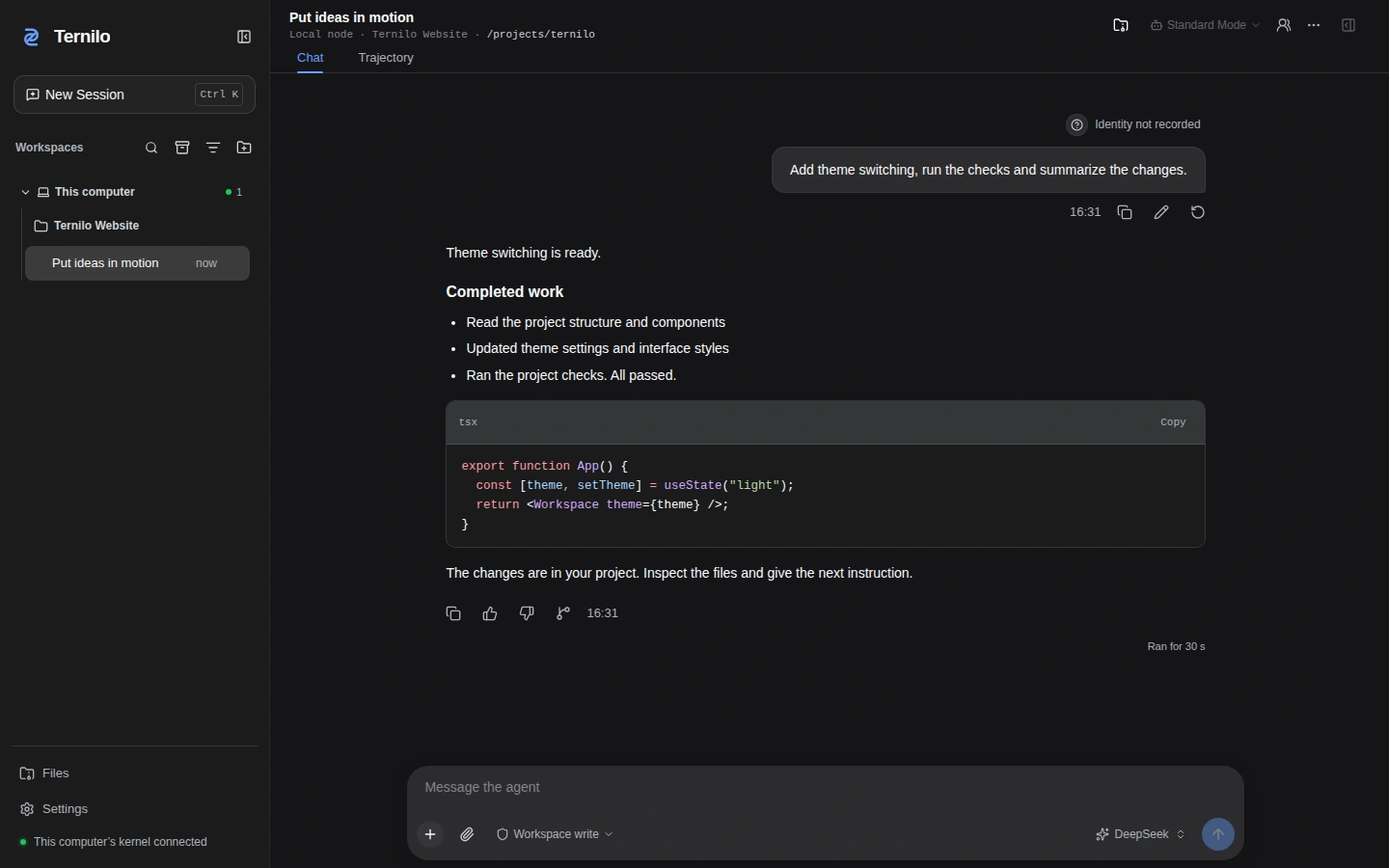
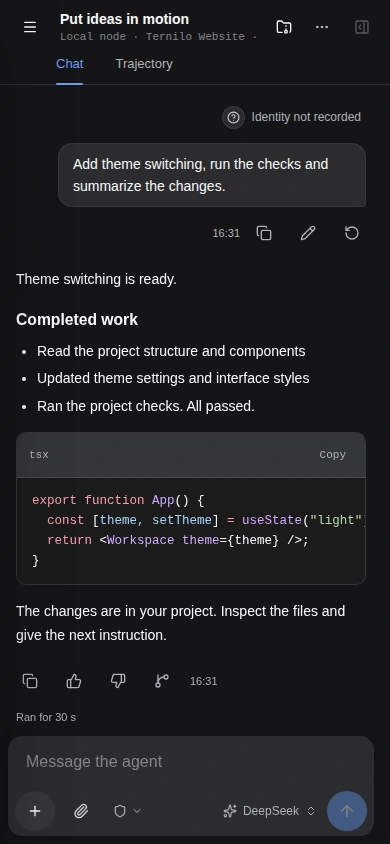
See it in action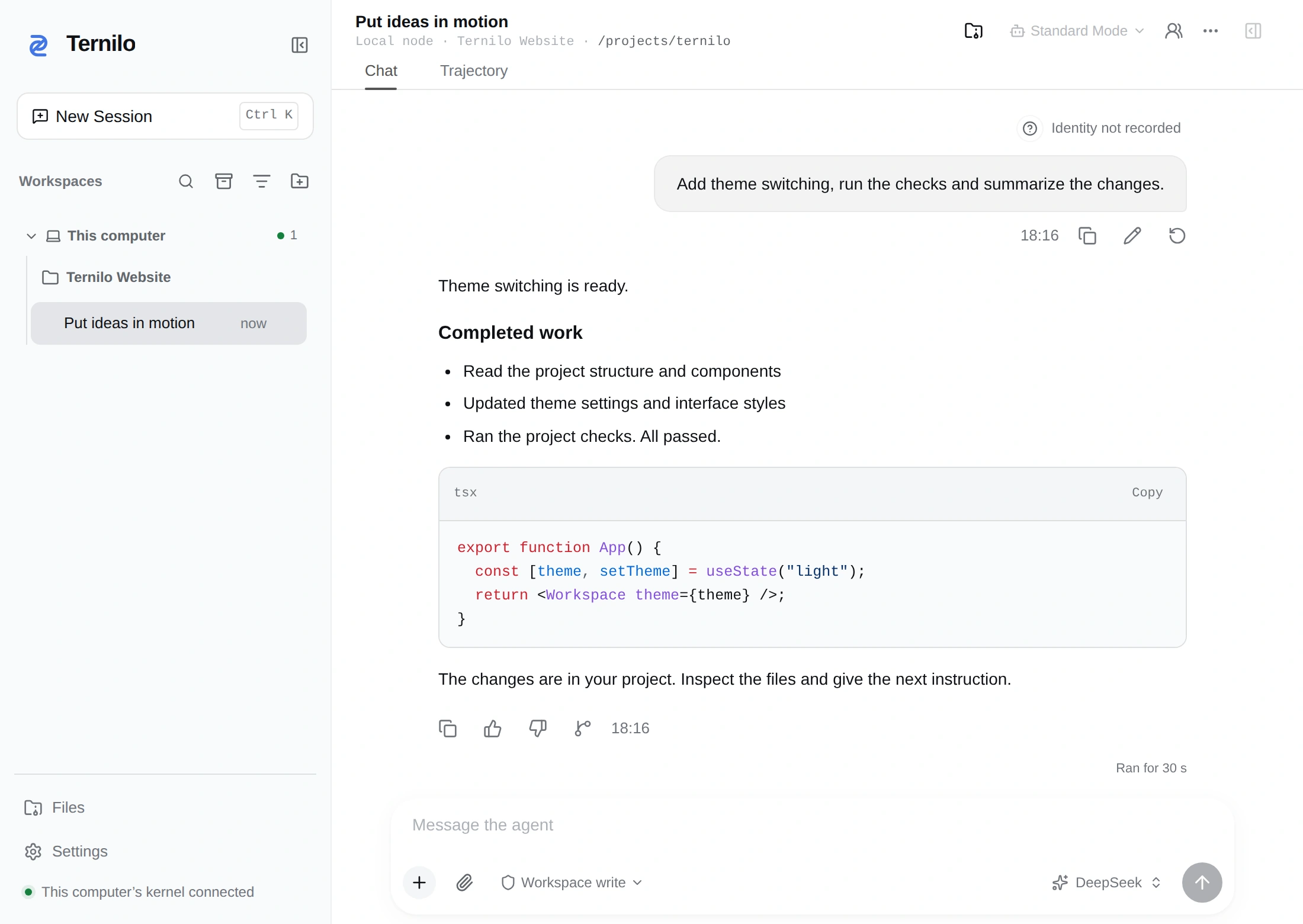
// Your ideas. In motion.
export function App() {
  const [theme, setTheme] =
    useState('light');

  return <Workspace
    theme={theme}
    onChange={setTheme} />;
}
export function App() {
  const [theme] =
    useState('light');
  return <Workspace
    theme={theme} />;
}
✓ all checks passed
One goal. Clear responsibilities.
A shared task board with visible tasks and dependencies.
Leave your desk.
Stay with your work.
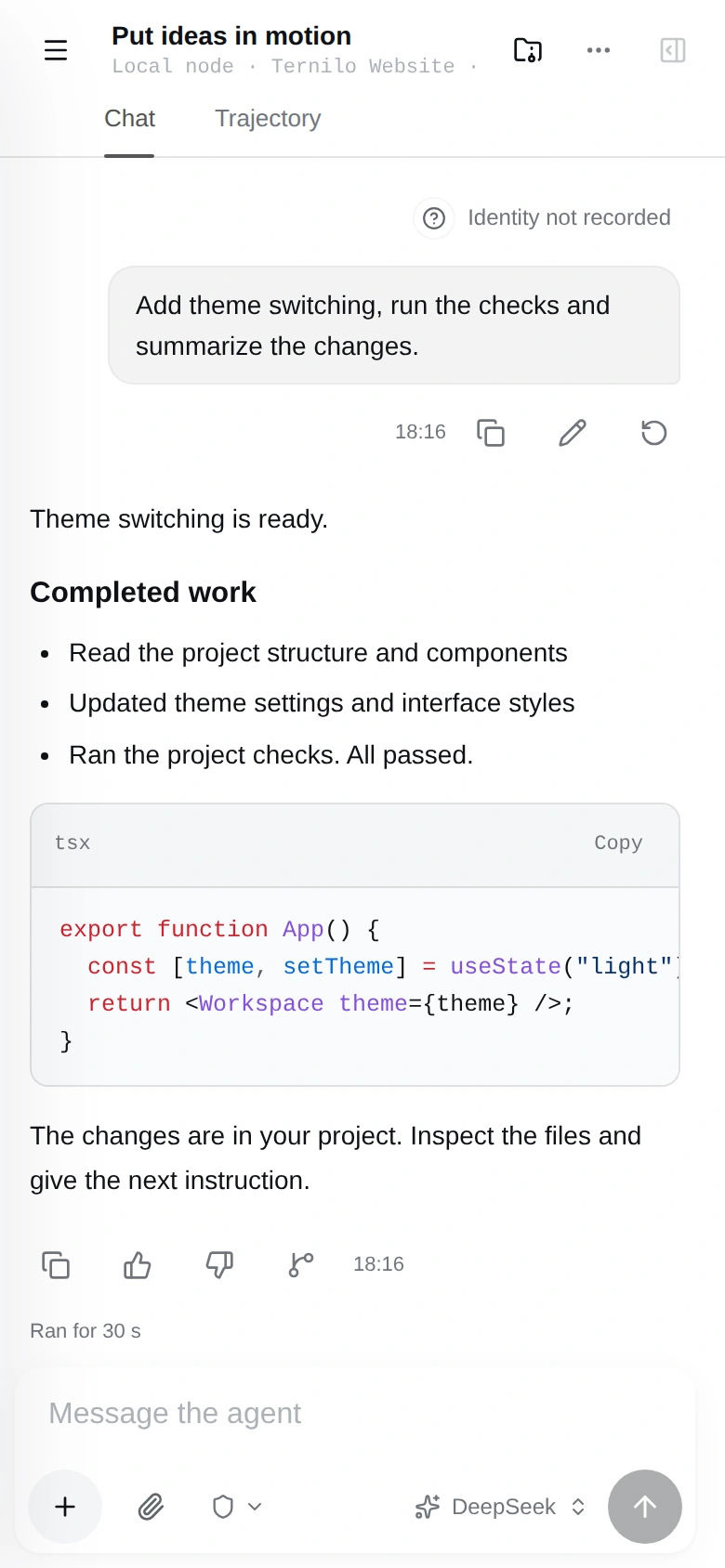
Open the same session with the latest progress.
Your phone directs. Your computer executes.
- The same project and session
- Catch up on the latest progress
- Files stay on the execution computer
Your Providers.
In motion, too.
Device connections, private account models
and authorized access. One clear choice.
Add theme switching to this project and run the checks.
Bring your tools.
Build your way.
Connect services, understand project code
and compose reusable ways of working.
Clear roles.
A shared result.
Plan, build and review. Break down the task and bring the results together.
Plan
Understand the goal and plan
Build
Edit files and run tools
Review
Verify and prepare the result
Next up:
A place for the work.
Ternilo Work: a planned persistent container.
Multiple workspaces, sessions and Agents together.
Start with your project.
Install and open
Choose Browser or Desktop.
Connect a model
Configure a Provider and select a model.
Give the next instruction
Select a project. Put an idea in motion.
A few things before you start.
Where does the task run?
Files and tools run on the selected execution computer. Other browsers and phones access the same session. Remote continuation requires that computer to stay online and connected to Server.
How do Browser and Desktop differ?
Both can share the same local service and data directory. Browser uses the web interface; Desktop provides a native window. Choose either in the installer. The official package handles Desktop setup.
Are models free after installation?
Configure your own model service or use explicitly authorized access. Costs depend on the chosen service. Ternilo does not promise free model credits.
Can I host it myself?
Yes. Ternilo is open source. Local use needs no Server; for cross-device or shared access, deploy Ternilo Server using its official Docker image.
The next idea.
Starts right here.
Your project. Your models. Your way of working.
Make the next move.
Pick a task. See the work unfold.
This is a feature demo. It does not run real commands or call models.